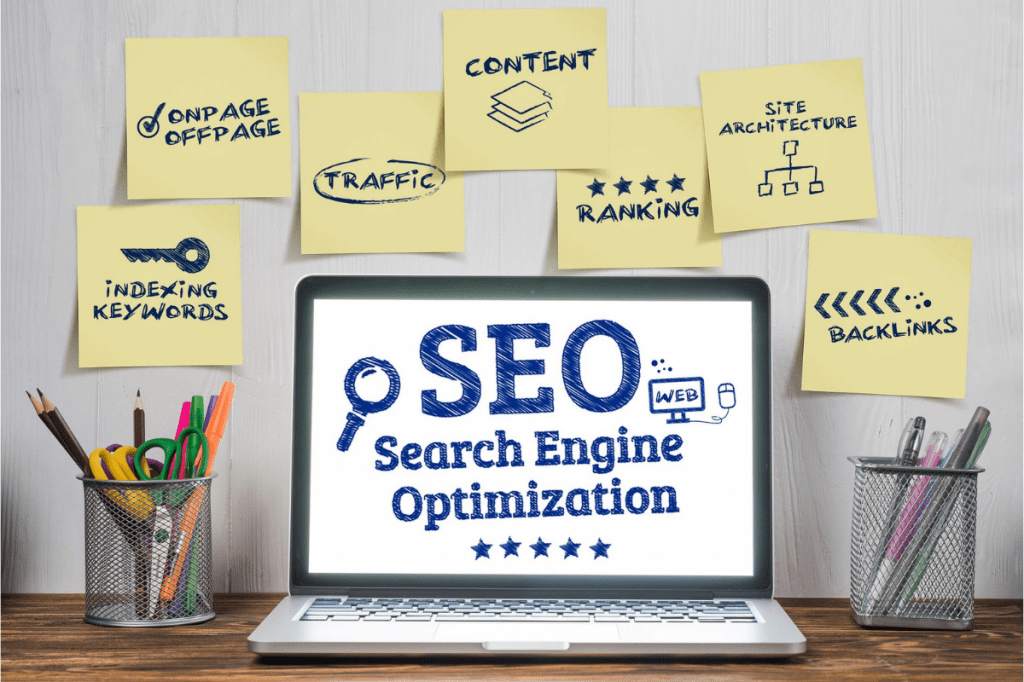
Hi! Imagine you’ve just launched your website, but it feels like it’s hidden in a crowd without visitors. That’s where SEO, or Search Engine Optimization, comes in! SEO helps people discover your website on Google and other search engines without spending a dime on ads. This guide will walk you through the basics, step by step. You can boost your online presence if you’re a small business owner, blogger, or freelancer just starting out.

If you want to get to the heart of it, SEO (Search Engine Optimization) focuses on making your website easy to understand. It helps show your website to the right people online. When you do SEO right, you’re helping Google and other search engines connect the right searchers to your content. It’s not magic—just some helpful best practices anyone can learn!
Why Does SEO Matter for You?
Did you know that about 68% of all online experiences start with a search engine like Google? If your website is buried on page two or beyond, very few people will ever see it. But with good SEO, you’ll get more visitors, more leads, and more impact—without having to pay for every single click.

And here’s the good news: You can start making progress today. It’s possible even if you’re on a tight budget. You don’t need to be super tech-savvy. In fact, Google’s official SEO basics says small steps really do add up!
The Journey: How Search Engines Help People Find You
[Image aligned left: Magnifying glass over website code representing SEO crawling]
Let’s break it down in simple terms. When someone types into Google, here’s what happens behind the scenes:
- Crawling: Google sends out little bots, affectionately known as “spiders,” to explore and discover web pages.
- Indexing: These pages are then stored in a giant database, organized so Google can find them fast.
- Ranking: Finally, when someone searches, Google’s algorithm decides which pages to show first based on relevance and quality.
To get noticed, your site needs to make crawling, indexing, and ranking as easy as possible. For more details, check out this awesome beginner’s guide from Ahrefs.

SEO in Action: Your Roadmap to Getting Found
Think of SEO as a three-part journey: Building (on-page), Strengthening (off-page), and Streamlining (technical). Let’s dive into each part:
1. On-Page SEO: Make Each Page Shine
- Keywords: Use simple words and phrases your audience actually types into Google. If you’re new, just describe what you offer in plain English.
- Title Tag & Meta Description: Every page has a headline (title tag) and a short summary (meta description) that appear in search results. Make these clear, interesting, and sprinkle in your main keyword. Keep titles under 60 characters and descriptions under 160.
- Friendly Layout: Break up your content with headings, images, and bullet points so visitors can scan and enjoy reading.
- Link Up: Add links to other pages on your own site (“internal linking”) and to reputable sources like Yoast’s SEO Blog.
- Descriptive Image Text: For every photo, add alt text—a short description—to help people who use screen readers and improve SEO.
2. Keyword Basics: The Simple Way

Keyword research just means figuring out what words people use to find content like yours. Here’s a beginner-friendly approach:
- Make a list of what you offer. For example, “affordable web design,” “healthy vegan recipes,” or “Kenyan travel advice.”
- Use free tools like Google Keyword Planner or type ideas into Google’s search bar to see suggestions.
- Pick “long tail” phrases — these are longer, more specific phrases like “budget travel tips for students” — for easier wins.
- Use keywords naturally—don’t overstuff your content. Write like you’re chatting with a friend.
3. Off-Page SEO: Build Trust Beyond Your Site
- Backlinks: When trustworthy sites link to you, Google sees your site as credible. Start by guest posting, collaborating, or listing yourself in relevant directories.
- Be Social: Share your content on social media. While social signals don’t directly raise SEO rankings, they boost visibility and chances to get linked to. Peek at Neil Patel’s guide for more.
4. Technical SEO: Make Your Website Work Everywhere
- Mobile Friendly: Use a WordPress theme that is mobile-friendly, as most people browse mobiles nowadays.
- Fast Loading: Compress your images (keep them under 200kb) and avoid heavy files that slow things down.
- Security: Make sure your website uses HTTPS. It’s a trust and ranking factor.
Action Plan: Your First Steps to SEO Success
- Pick one page on your site to optimize, usually your homepage or a main service page.
- Write a clear page title and a short meta description including your main keyword.
- Add a strong headline (H1) and divide your content with smaller headings and images.
- Use a tone that’s friendly as if you are talking directly to your ideal visitor.
- Link to at least one high-quality external resource, like this SEO tips blog.
- Test your page on mobile devices and adjust your images and layout if needed.
To check your progress, try a free SEO audit tool like SEObility’s SEO check.

Transformation in Action: From Hidden to Discovered
Many beginners see zero search traffic at first. But by applying these steps patiently, results start coming in within a few weeks. You can turn a website with no visitors into a go-to source for inquiries, subscribers, or sales. Each step you take helps your site get found, trusted, and chosen by your audience.
Bonus: Resources for Ongoing Learning
- Ahrefs SEO for Beginners – Easy-to-understand advice
- Google Keyword Planner – Free keyword research tool
- Google Analytics – Track your visitors and the pages they love
Need Help Getting Found? Training and Support Available!
If you’d like expert help getting your website noticed, I offer SEO and website training designed especially for beginners, small businesses, and solopreneurs.
Business owner and want more customers to discover you?
I’m here for you! Email me directly with your goals or questions and let’s get your business found online.
Frequently Asked Questions (FAQs)
Q: How fast can I see SEO results?
A: Some changes like speeding up your site or tweaking titles can help almost immediately. However, ranking higher usually takes a few weeks to a couple of months—patience pays off!
Q: What if I make a mistake?
A: Most mistakes are easy to fix. Just avoid shady tricks like buying links or keyword stuffing. Learn from Google’s Search Quality Evaluator Guidelines or join SEO forums for help.
Q: Can I do SEO if I’m not tech-savvy?
A: Absolutely! Start small, take advantage of beginner-friendly tools, and learn bit by bit. Each improvement counts and builds your skills over time.
Q: My site isn’t showing up at all. What do I check first?
A: Ensure your site is accessible to Google (not set to ‘noindex’), check for technical errors, and submit your URL to Google Search Console.
Mini Glossary: SEO Terms You Should Know
SEO is your megaphone to the world. Start with one small improvement and build from there. With each tweak, you’ll move from invisible to unmissable!
Backlink
A link from another website to your site, which builds credibility.
Indexing
Google storing your page in its library so it can be shown in search results.
Keyword
Words and phrases users type into search engines, which you want to target.
Meta Description
A short summary shown below your page title in search results.
Rank
How high your page appears in search engine results pages (SERPs).
SERP
Search Engine Results Page refers to what you see after typing a query in Google.
Title Tag
The clickable headline in search results; important for ranking.
Alt Text
Text description of images used to improve accessibility and SEO.
Quick “What Not to Do”
- Don’t buy backlinks as they can harm your site’s ranking.
- Avoid keyword stuffing. Overusing keywords makes your content unreadable and penalized.
- Don’t neglect mobile compatibility. Most users search on mobile devices.
Tip: Regularly update your content and fix broken links to keep your site fresh and SEO-friendly.


Leave a reply to Grey Cancel reply